
When you’re given the embed code for Typekit and you’re using WordPress, you have a couple options for how to add it to your site:
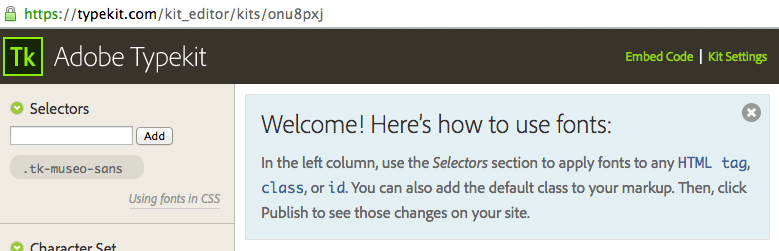
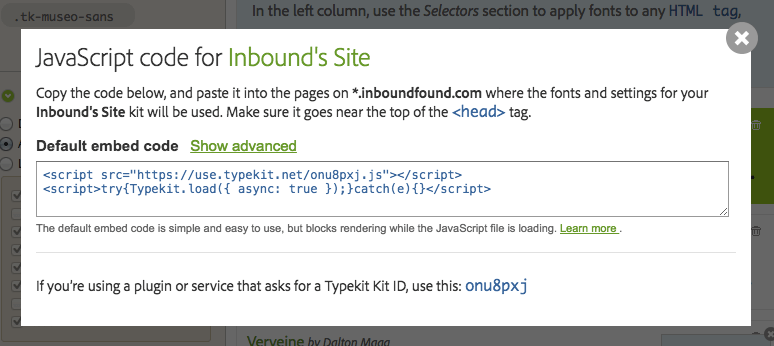
Devin’s code snippet
There’s a code snippet out there that works from Devin at wptheming.com. It’s about 10 lines and has a conditional statement for loading the async js if the http request for typekit has loaded.
Typekit Fonts for WordPress Plugin
This plugin is reasonably lightweight, with good conditional statements for validation (check if code throws a 404 error, etc.,). It also has some instructions within the plugin’s page once you download it if you require help with CSS and using your Typekit fonts Download here
Use a head tag hook
If you’re running a theme that has a place for you to paste in head tag scripts, you can literally just paste your embed code from Adobe Typekit in there as is. For themes running the Genesis framework, you can find it in the WP Dashboard > Genesis > Theme Settings > Header and Footer Scripts > Header Scripts form field: 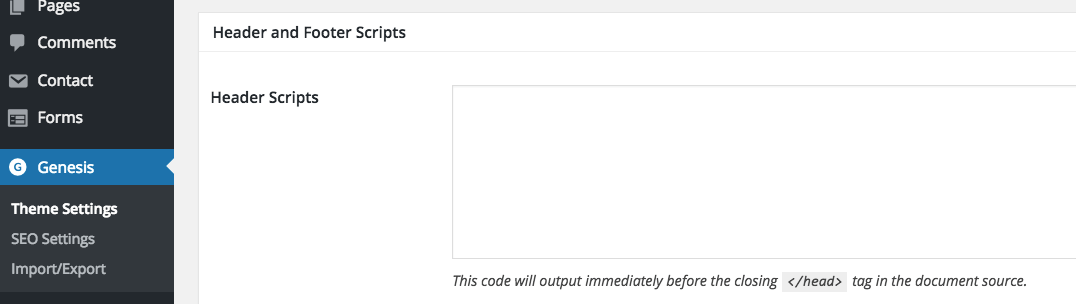
My code snippet
This lets you prioritize where in the head tag both lines load, so you can always keep your http request above your async script. add_action( 'wp_enqueue_scripts', 'iffy_load_typekit', 15 ); function iffy_load_typekit() { wp_enqueue_script( 'iffy-typekit', 'https://use.typekit.net/onu8pxj.js'); } add_action('wp_head', 'iffy_load_typekit_async'); function load_typekit_async(){ ?><? }